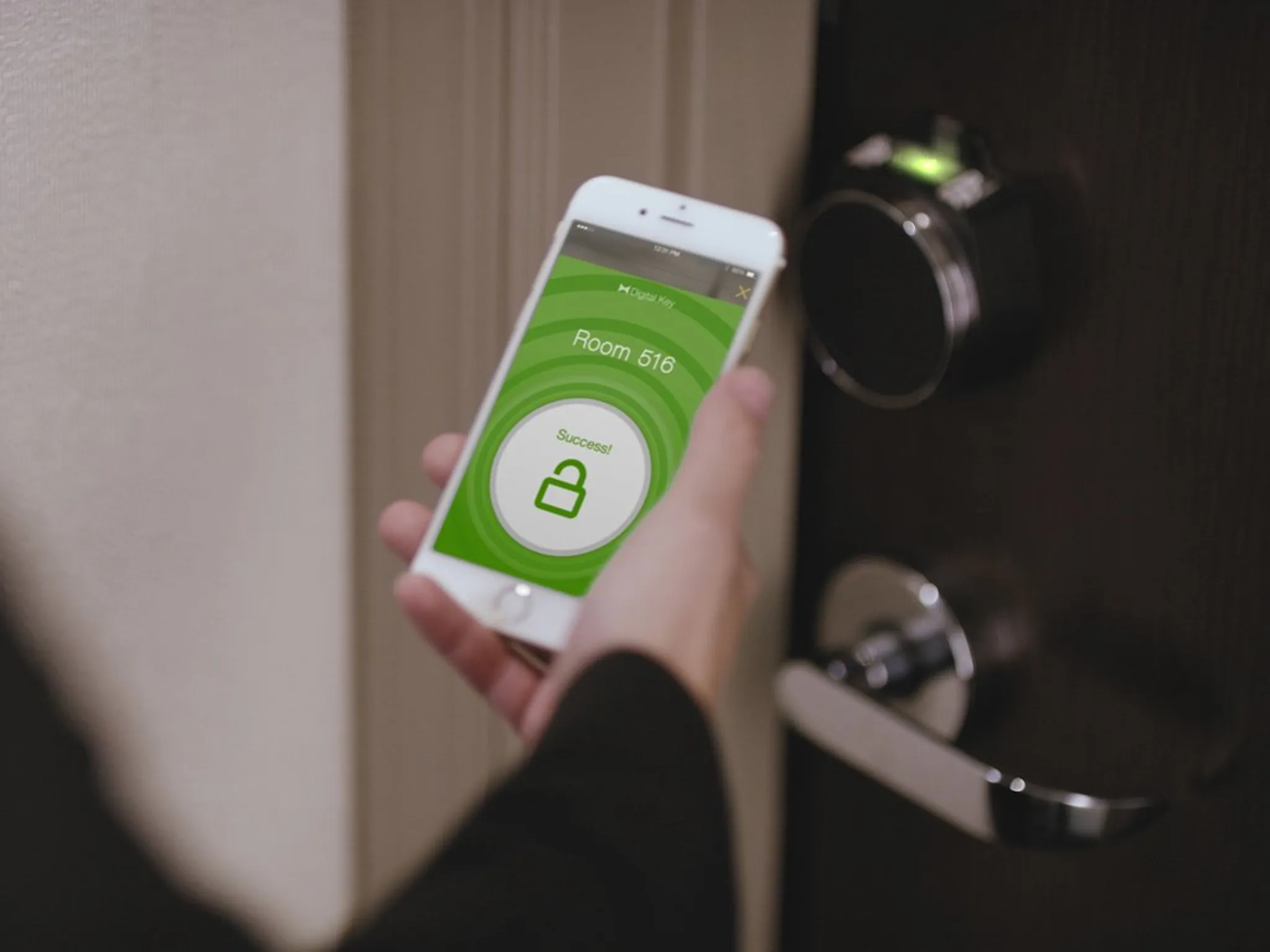
Hotel mobile keys are supposed to make travel easier. No front desk lines. No plastic cards. Just tap your phone and walk in.
But in 2026, hotel mobile keys still fail more often than hotels admit.
If your hotel mobile key suddenly stops working, it’s usually not your fault — and it’s almost always fixable. Here’s the clear, real-world explanation of why hotel mobile keys stop working and what to do immediately.
The #1 Reason Hotel Mobile Keys Stop Working
1. Bluetooth Failure (Most Common Issue)
Hotel mobile keys rely on Bluetooth Low Energy (BLE). If Bluetooth is unstable, the door won’t unlock.
Common Bluetooth problems:
-
Bluetooth toggled off accidentally
-
Phone battery in low-power mode
-
App running in the background only
-
Phone OS update causing permission reset
Fix
-
Turn Bluetooth OFF → wait 10 seconds → turn ON
-
Open the hotel app fully (not background)
-
Disable low-power mode
-
Restart your phone
2. App Permission Reset (Very Common)
Phone updates often reset app permissions without warning.
If the app loses access to:
-
Bluetooth
-
Location (required for security)
-
Background activity
…the mobile key stops working.
Fix
-
Go to phone settings
-
Allow Bluetooth + Location + Background refresh
-
Force-close and reopen the app
This alone fixes many “dead” mobile keys.
3. Front Desk Reissued or Changed Your Room
Hotels frequently:
-
Reassign rooms
-
Extend stays
-
Merge reservations
-
Issue a new key to housekeeping
When this happens, your old mobile key is silently invalidated.
Fix
-
Open the app and refresh the key
-
If it doesn’t re-sync, visit the front desk
-
Ask them to “re-push” the mobile key
This takes under 30 seconds for staff.
4. Phone Battery Too Low
Most hotel apps disable digital keys below ~10–15% battery for security reasons.
Hotels do this to avoid guests being locked out mid-unlock.
Fix
-
Charge phone above 20%
-
Reopen app
-
Retry unlock
Always carry a backup key if your battery runs low.
5. Door Lock Firmware Glitch
The issue may not be your phone at all.
Hotels use:
-
Battery-powered door locks
-
Firmware that updates remotely
-
Wireless sync with hotel systems
If the door lock firmware glitches, no mobile key works — even though the app looks fine.
Fix
-
Try unlocking twice slowly
-
If still failing, ask for a physical key
-
Maintenance may need to reset the lock
6. Hotel Wi-Fi or Network Sync Failure
Even though unlocking uses Bluetooth, the app still needs periodic internet sync.
If:
-
Hotel Wi-Fi is down
-
Cellular signal is weak
-
App can’t refresh credentials
…the key expires temporarily.
Fix
-
Switch between Wi-Fi and mobile data
-
Open app near lobby where signal is stronger
-
Refresh the key
7. Logged In on Multiple Devices
Using the same reservation on:
-
Two phones
-
Phone + smartwatch
-
Shared login with partner
can deactivate one device automatically.
Fix
-
Log out of extra devices
-
Ask front desk to assign a single active device
8. Hotel Security Auto-Deactivation
Hotels automatically disable mobile keys if:
-
Checkout time passes
-
Do Not Disturb flag conflicts with housekeeping
-
A safety audit triggers
This can happen even before checkout time if the system misreads the stay.
Fix
-
Front desk can instantly reactivate
-
No penalty or suspicion involved
Why Physical Key Cards Still Work Better
Despite technology, plastic key cards are still more reliable because:
-
No Bluetooth dependency
-
No app permissions
-
No battery drain issues
-
Faster unlock in emergencies
That’s why hotels always keep physical keys available.
What to Do Immediately If Your Mobile Key Fails
Follow this order (fastest solution):
-
Turn Bluetooth off/on
-
Open app fully
-
Check battery level
-
Refresh the key
-
Try once more slowly
-
Go to front desk and ask for a physical key
Never stand outside retrying endlessly — it rarely fixes itself.
Can a Hotel Force You to Use Mobile Key Only?
❌ No, in most cases.
Hotels must provide a physical key if a mobile key fails. Refusing access would be a serious guest rights issue.
How to Prevent Mobile Key Problems (2026 Pro Tips)
-
Always carry a backup key card
-
Keep phone battery above 20%
-
Disable battery optimization for hotel apps
-
Avoid OS updates during your stay
-
Log out of hotel app after checkout
Final Verdict
Hotel mobile keys stop working because of:
-
Bluetooth instability
-
App permission resets
-
Room reassignment
-
Battery issues
-
Lock firmware problems
It’s normal, common, and not user error.
Mobile keys are convenient — but physical key cards remain the most reliable backup in 2026.