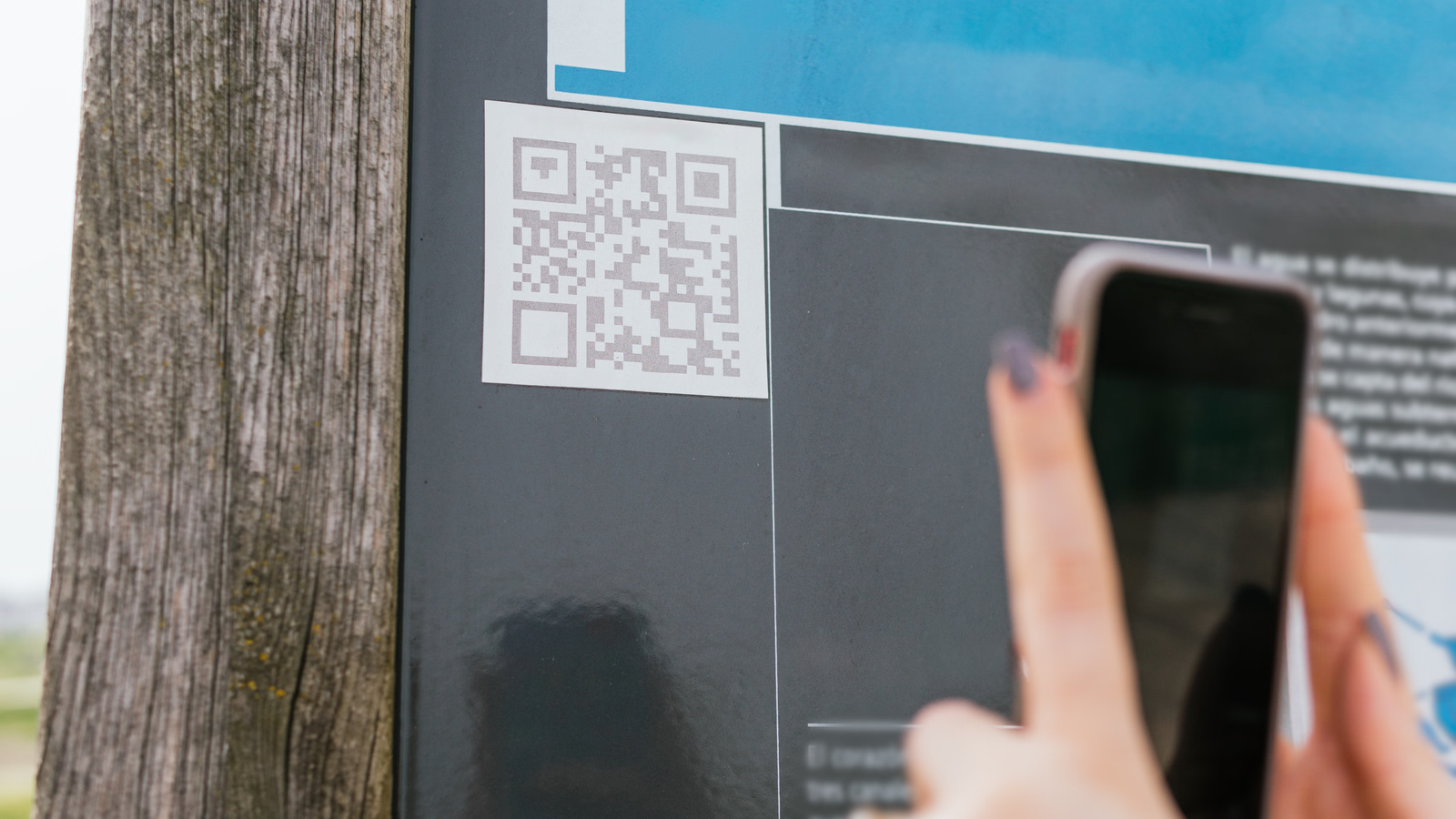
Digital permits with QR codes are now common for scenic drives, parks, beaches, and timed-entry attractions. They’re fast—until they don’t scan.
If your permit QR code doesn’t scan, don’t panic. In 2026, most agencies have clear backup checks and standard fixes. Here’s exactly what usually happens, what officers can do, and how to avoid getting turned away.
The Short Answer (Read This First)
✔ A failed scan does NOT automatically cancel your permit
⚠️ Entry depends on verification, not just the scan
❌ If your permit can’t be verified at all, entry may be denied
Most issues are resolved in 30–90 seconds if you’re prepared.
What Rangers or Staff Do When a QR Code Won’t Scan
When the scanner fails, staff follow a simple escalation path:
1) Visual Verification
They check:
-
Permit name
-
Date & time window
-
Location
-
Confirmation/permit number
If it matches their list, you’re usually waved through.
2) Manual Lookup (Very Common)
Staff can search by:
-
Confirmation number
-
License plate (for vehicle permits)
-
Email or last name
This works even if your phone screen is damaged or dim.
3) Secondary Device or Angle
Sometimes the issue is glare or brightness. They may:
-
Ask you to increase brightness
-
Tilt the phone
-
Try a different scanner
This fixes many “non-scans” instantly.
Reasons QR Codes Fail to Scan (Most Are Preventable)
Screen & Display Issues
-
Low brightness
-
Cracked screen
-
Dark mode/invert colors
-
Screen protector glare
Fix: Max brightness, turn off dark mode, remove glare.
Connectivity Confusion
Many scanners don’t need internet, but your app might.
-
App fails to load the code
-
Code won’t refresh
Fix: Use a saved screenshot or PDF.
Expired or Wrong Window
-
You’re early or late for a timed entry
-
Date doesn’t match
Result: Verification fails even if the code scans.
Wrong Permit Type
-
Shuttle pass vs. road access
Result: Scan succeeds, access denied.
What Happens If They Can’t Verify Your Permit
If staff cannot verify your permit after manual checks:
-
You may be turned around
-
You may be asked to wait until non-restricted hours
-
You may be directed to a visitor center (if nearby)
-
On rare occasions, you may receive a citation if rules are strict
There is usually no on-site sale to fix this.
Will You Get Fined for a Non-Scanning QR Code?
Usually no, if:
-
You clearly have a valid permit
-
The issue is technical
-
You cooperate and show proof
Fines typically happen only when:
-
No valid permit exists
-
You’re outside your time window
-
You ignored posted rules
The #1 Thing That Saves You: A Screenshot
Always carry:
-
A screenshot of the QR code
-
The confirmation number
-
The email receipt (offline)
Cell service is often poor at entrances—screenshots win.
Pro Tips to Avoid Scan Problems (2026)
-
Screenshot your QR code the night before
-
Save the PDF to your phone (offline)
-
Increase screen brightness before arrival
-
Turn off dark mode for the scan
-
Arrive inside your entry window
-
Keep your confirmation number handy
These steps prevent 90% of issues.
What If the Scanner Is the Problem (Not You)?
It happens. When scanners fail:
-
Staff rely on manual lists
-
They may pause entry briefly
-
They usually honor valid permits
System outages are not your fault.
Special Cases to Know
Group or Shared Permits
If multiple cars are linked:
-
Only one QR code may be valid
-
Make sure the correct vehicle arrives
Printed Codes
Printed QR codes:
-
Work fine
-
Are sometimes easier to scan than phones
Final Verdict
If your permit QR code doesn’t scan, you’re not automatically denied.
✔ Most entrances verify manually
✔ Screenshots solve most problems
✔ Calm cooperation helps
❌ No permit or wrong window = likely denial
Plan ahead, carry backups, and you’ll almost always get through without stress.