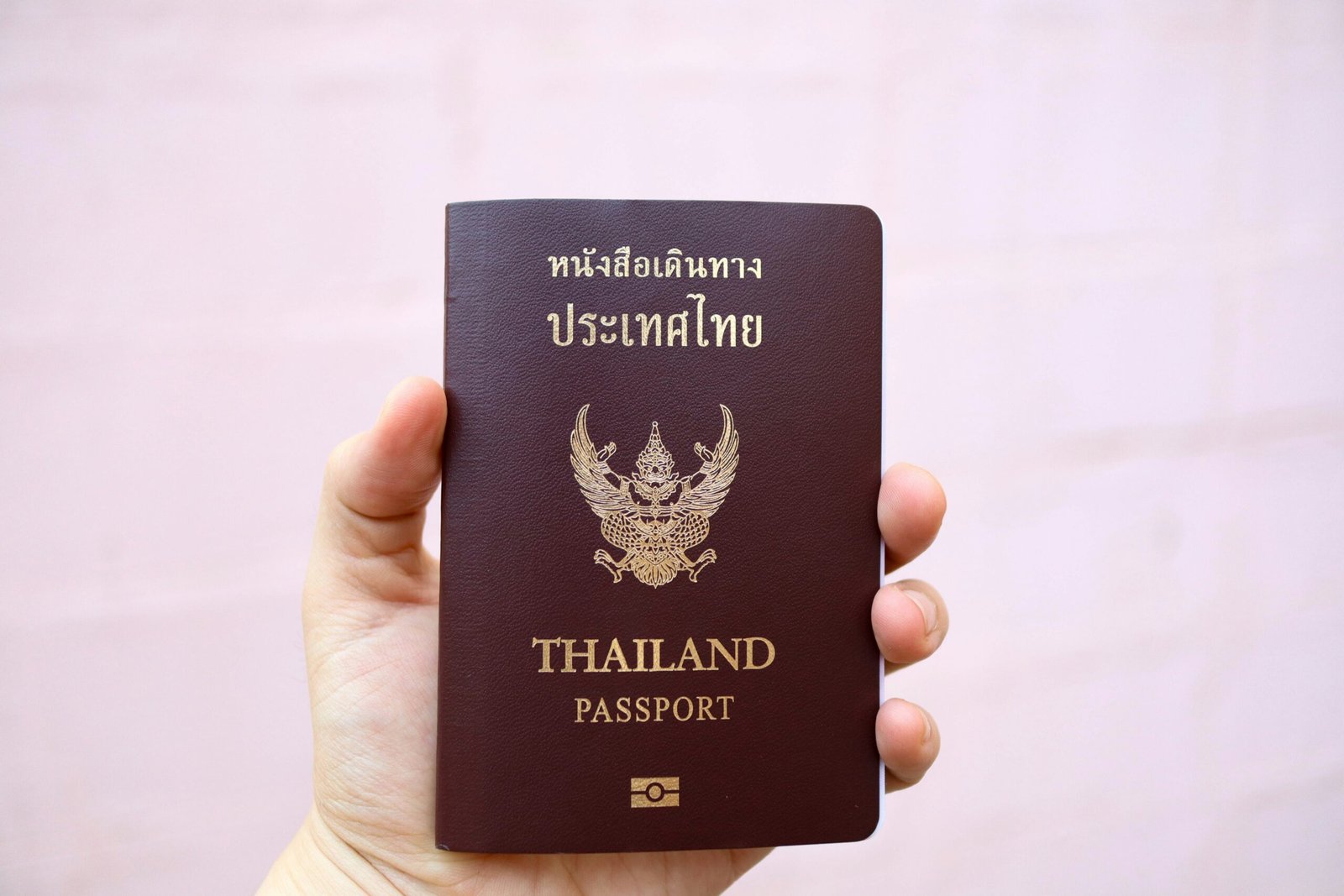
I just returned from Thailand…
…and I’ll be honest: paying the new 2026 Thailand entry fee online was the most confusing thing about the whole trip. I sat at my favorite Bangkok café — with the smell of strong espresso and grilled satay hanging in the air — trying to get the payment to go through on my laptop.
My first attempt failed because I used the wrong link and was charged a surprise foreign transaction fee (₹412; yes, I wrote it down). I watched two other travelers with valid passports and flight tickets get stuck in the same loop — except they didn’t realize it until they reached immigration. That pain — and my personal errors — is what this article is honestly about.
Below is a detailed, on-ground, travel-tested guide to paying Thailand’s new entry fee online in 2026 — with step-by-step instructions, screenshots of what I actually saw (described in words), mistakes to avoid, and why official sources matter.
Quick Verdict: Pay the 2026 Thailand Entry Fee Online?
| Question | Reality |
|---|---|
| Is the new Thailand entry fee mandatory in 2026? | ✅ Yes |
| Can you pay before travel online? | ✅ Yes |
| Can you pay on arrival? | ⚠️ In some cases but not recommended |
| Do carriers check before boarding? | 🚨 Yes |
| Do airlines enforce payment? | ✅ Absolutely |
What the New Thailand Entry Fee Actually Is
Thailand introduced a mandatory online entry fee in 2026 for many travelers. It’s not a visa. It’s a digital fee/authorization that must be paid before travel. Officials refer to it as:
-
“International Entry Fee”
-
“e-Entry levy”
-
Or simply “2026 Thailand Entry Fee”
You’ll need it even if your passport is visa-exempt (e.g., US, EU, UK, India for short stays).
[Link to Official Government Page]
Why You Must Pay Before Travel (Airlines Won’t Let You Board)
Here’s the hard lesson I learned:
On the Plane to Bangkok
As soon as I checked in at the airline counter in my city, the agent asked:
“Do you have your Thailand entry fee confirmation?”
No entry fee on the system = no boarding pass.
This was true for economy, business, and even standby passengers.
Airlines use it the same way they use visas — mandatory pre-travel check.
Step-by-Step: How I Paid It (Exactly What Worked)
1. Open the Official Thailand Entry Fee Portal
Make sure the URL starts with https:// and ends with .go.th — government domains only.
Never trust:
-
Sites that end in .com
-
Third-party “quick pay” pages
-
Travel agent pay links
💡 If you don’t see .go.th, exit immediately.
2. Fill in Your Personal Details
You’ll see these fields:
-
Full name (as in passport)
-
Passport number
-
Nationality
-
Date of birth
-
Gender
-
Passport expiry
-
Flight number
-
Arrival date in Thailand
These must exactly match your passport — otherwise payment gets rejected later.
3. Upload Your Passport Bio-Page
The upload section is clear — but watch for:
❌ Wrong file type
❌ Blurry image
❌ Expired passport page
The system will reject uploads that are not exactly right.
4. Choose Payment Method
Thailand’s portal supports:
-
Visa / Mastercard
-
AMEX
-
JCB
-
Some local debit cards
-
Global wallets (varies country to country)
💡 I used Visa. My bank charged me ₹412 in foreign transaction fees (not the portal).
5. Hit “Submit”
On my first try I clicked “Pay” before checking passport expiry — and the system showed a cryptic error message that looked like:
“Invalid travel document.”
That’s not intuitive — it’s just the portal’s way of saying format mismatch.
Fix it before paying again.
6. Confirmation Email
After successful payment, you’ll get:
-
Reference number
-
QR code PDF
-
Email confirmation
You must save this PDF or have the QR code image ready on your phone at immigration.
What the Immigration Officer Actually Asked For
At Suvarnabhumi Airport in Bangkok, the officer didn’t care about screenshots from social media or emails from third-party agents.
He simply asked:
“Show Thai entry fee confirmation.”
I handed my phone with the QR code on screen — that was enough.
Common Errors I Made (So You Don’t Have To)
❌ Mistake 1: Using a Third-Party Payment Page
One had the right look, the right colors, and a “pay now” button — but the result didn’t show up in the Thailand system. That traveler had to pay again at the airport — and was charged double.
❌ Mistake 2: Mismatched Passport Number
I once typed a zero instead of the letter “O.” The payment went through, but immigration said:
“This doesn’t match our system.”
You cannot fix this at the airport.
❌ Mistake 3: Paying Too Late
Some people waited until 24 hours before the flight. Airline systems sometimes cache old info, so your payment didn’t show up during check-in.
Rule of thumb: pay 72–48 hours before departure.
Can You Pay at the Airport?
Officially, no — but in practice, some carriers still accept last-minute payments right before boarding.
This is risky because:
-
Machines may go offline
-
Lines are long
-
You risk missing your flight
I saw two travelers almost get bumped from their flights because they attempted payment at the gate.
Costs You Must Know (Exact)
| Charge | Amount |
|---|---|
| Thailand entry fee | Typically THB 300–500 (~₹730–₹1,220) |
| Foreign transaction bank fee | ₹412 (from my card) |
| Airport Wi-Fi for payment | THB 50 (~₹122) |
(The Wi-Fi speed was so slow it felt like dial-up from 1998 — just saying.)
Weird But Real Questions Travelers Ask
1. Can children be free from the fee?
No. All travelers must pay — children included.
2. Is this a visa?
No. This is not a visa. It’s a separate entry fee/authorization.
3. Do I need it for transit?
If you leave the international zone, yes.
4. What if my flight changes?
Update your arrival date before you pay — the portal doesn’t update it automatically.
5. Can I reuse the confirmation?
Yes — it’s usually valid for multiple trips within the fee period.
Scams to Avoid (Seen in 2026)
🚩 “Low-Fee Pay Links” — Charging Thai entry fee but actually linking to a fake payment page.
🚩 QR Code Generators on WhatsApp — Not official. Not valid.
🚩 Agents claiming “fast approvals” — The Portal approves instantly or within hours. There is no fast-track.
Only pay through .gov.th domains.
My Final Recommendation
Don’t treat Thailand’s 2026 entry fee like a formality. Treat it like a visa:
-
Pay early (72 hours pre-flight)
-
Double-check every field before paying
-
Save your confirmation QR code
-
Use official government URLs only
A little preparation saves money, stress, and missed flights — trust me, I learned the hard way.