Apple Vision Pro airplane rules in 2026 are something every owner of the headset needs to understand before boarding a flight — because the rules are more nuanced than a simple yes or no, and getting it wrong could mean having your headset confiscated or missing critical safety instructions at exactly the wrong moment. The Apple Vision Pro has rapidly become one of the most talked-about travel gadgets since its launch, and on long-haul flights in particular, the appeal of replacing a small seat-back screen with a vast virtual cinema floating in front of you is obvious. But aviation safety rules, individual airline policies, and Apple’s own usage guidelines all place important limits on how and when you can use the headset in the air.
Understanding apple vision pro airplane rules 2026 starts with knowing how aviation authorities officially classify the device. The short answer is that Apple Vision Pro is allowed on most flights in 2026 — but only during cruise phase, only while seated, only in airplane mode, and subject to any additional restrictions your specific airline imposes. The longer answer involves understanding why aviation authorities and airlines treat spatial computing headsets differently from regular tablets and laptops, what Apple’s Travel Mode actually does, which airlines have introduced specific rules about VR headsets, and what the practical experience of using Vision Pro on a plane actually looks and feels like in real-world conditions.
This complete guide covers everything you need to know about using Apple Vision Pro on airplanes in 2026 — from the official FAA and EASA regulatory position, to airline-specific rules, to practical tips that will help you get the most out of the experience without running into problems with the crew.
Quick Reference: Apple Vision Pro on Flights — What Is and Is Not Allowed
| Situation | Allowed? | Notes |
|---|---|---|
| During cruise phase while seated | Usually yes | Must be in airplane mode |
| During taxi, takeoff, landing | Not recommended | Blocks vision during critical safety phases |
| While standing or walking the cabin | No | Apple explicitly prohibits this |
| During turbulence | Remove it | Reduced awareness increases risk |
| Without airplane mode enabled | No | Required by aviation law on all flights |
| Without headphones (audio) | Varies by airline | Many airlines require headphones for all audio |
| Watching downloaded content offline | Yes | Works fully in airplane mode |
| During safety demonstration | Remove it | Crew will ask you to remove it |
How Aviation Authorities Classify Apple Vision Pro
Understanding how the Apple Vision Pro is classified by aviation regulators is the starting point for understanding the rules that apply to it on flights. Both the US Federal Aviation Administration (FAA) and the European Union Aviation Safety Agency (EASA) classify Apple Vision Pro as a Portable Electronic Device (PED) — the same category as laptops, tablets, e-readers, and smartphones.
Under PED regulations, passengers may use these devices during all phases of flight provided they are set to airplane mode — meaning all wireless transmissions including cellular, Wi-Fi, and Bluetooth are disabled or managed according to airline instructions. The FAA’s expanded PED rules, which came into full effect across US carriers, removed the earlier blanket prohibition on electronics below 10,000 feet and gave airlines the discretion to allow PED use at all stages of flight, subject to their own safety assessments.
However, Apple Vision Pro is not simply a tablet in a different form factor. It is a headset that completely replaces the wearer’s visual field with a virtual environment. This creates a safety consideration that regulators and airlines treat differently from a laptop or phone: a passenger wearing Vision Pro cannot see the cabin, cannot respond to visual crew signals, cannot read seatbelt signs or emergency instruction cards, and may not hear audio announcements clearly depending on their audio settings. This is why even though Vision Pro is technically a PED and generally permitted, most airlines and Apple itself impose additional restrictions on when and how it can be used that go beyond the standard PED guidelines.
Apple’s Official Travel Mode: What It Does and Why You Need It
Apple anticipated that Vision Pro owners would use the headset while traveling, and built a dedicated Travel Mode specifically for use on aircraft and other moving vehicles. Understanding what Travel Mode does — and what it does not do — is essential for anyone planning to use Vision Pro on a flight.
In normal use, Vision Pro tracks the user’s physical environment using its outward-facing cameras and sensors. When you move your head, the virtual content moves in relation to real-world objects and space. On a stationary floor this works perfectly. On an aircraft at 35,000 feet traveling at 900 km/h, the headset’s sensors detect constant vibration, the subtle movement of the fuselage, and the occasional sudden turbulence — none of which should be reflected in the virtual environment. Without Travel Mode, virtual windows and floating applications drift, jitter, and fail to stay locked in place, making the experience uncomfortable and potentially nauseating.
Travel Mode addresses this by:
- Locking virtual content in a fixed position relative to the headset rather than relative to the physical environment, so your virtual screen stays stable even as the aircraft moves
- Disabling some of the spatial mapping features that assume a stationary environment
- Optimising the display rendering for the vibration and motion patterns typical of aircraft flight
- Reducing the likelihood of motion sickness by stabilising the visual-vestibular conflict that causes disorientation
To enable Travel Mode on Apple Vision Pro, go to Settings → Travel Mode → and select the appropriate vehicle type. The mode activates immediately and remains active until you disable it. It is strongly recommended to enable Travel Mode before boarding or as soon as you reach cruising altitude — not after you have already noticed the virtual content drifting.
It is also worth noting that Travel Mode works best on smooth cruise flight. During significant turbulence, even Travel Mode cannot fully compensate for the sudden and unpredictable movements of the aircraft, which is one reason why removing the headset during rough air is recommended both by Apple and by most aviation safety guidance.
Airline-Specific Rules for Apple Vision Pro in 2026
Beyond the general FAA and EASA regulatory framework, individual airlines have begun introducing their own specific policies around VR headsets and spatial computing devices in their cabin. These policies vary between carriers and are continuing to evolve as VR headsets become more common in aircraft cabins.
General rules that apply across most major airlines in 2026:
- Vision Pro must be in airplane mode at all times during flight
- Use is not permitted during the safety demonstration — crew will ask you to remove it
- Use is not permitted during taxi, takeoff, and landing — the “devices away for landing” instruction applies to Vision Pro
- Passengers must remove the headset immediately when instructed by crew — for turbulence, announcements, or any other safety reason
- Standing or walking the cabin while wearing Vision Pro is prohibited on all airlines
- Audio must be managed through headphones rather than the built-in speakers on airlines that have introduced headphone-only audio policies
Airline-specific notes for 2026:
Several major US carriers including Delta, United, and American Airlines have updated their personal electronic device policies to specifically address VR headsets. The consensus position across these carriers is that VR headsets are permitted during cruise phase while seated, subject to the standard PED airplane mode requirements and the additional caveat that passengers must be able to see and hear crew instructions when required. Crew have discretion to ask any passenger using a VR headset to remove it if they believe it is creating a safety concern.
European carriers including Lufthansa, British Airways, and Air France have taken a similar permissive-but-conditional approach. Some European airlines — particularly low-cost carriers — have introduced stricter rules requiring passengers to stow large electronics during boarding and deplaning due to aisle congestion concerns.
Asian carriers have been somewhat more cautious. Several airlines in the region have introduced explicit rules classifying large VR headsets as devices that must be stowed during critical phases of flight and that require crew notification before use. If you are flying with an Asian carrier and plan to use Vision Pro, checking their specific policy before travel is recommended.
The Safety Concerns Airlines Have About VR Headsets in Cabins
To understand why airlines are more cautious about VR headsets than about tablets or laptops, it is helpful to understand the specific safety concerns that aviation safety experts have identified.
Situational awareness loss. This is the primary concern. A passenger wearing Apple Vision Pro is functionally blind to the physical cabin environment. They cannot see the seatbelt sign illuminate, cannot see a flight attendant approaching them, may miss a crew announcement about turbulence, and in an emergency evacuation would need additional time to remove the headset before being able to respond. Aviation safety relies heavily on all passengers maintaining baseline awareness of their physical environment, and VR headsets fundamentally compromise this in a way that a phone screen or laptop does not.
Emergency evacuation time. In an emergency evacuation, every second counts. Aviation safety research consistently shows that passengers who need to gather, store, or remove items before evacuating slow the process for everyone behind them. A Vision Pro headset weighs approximately 600 grams and requires deliberate removal — unlike a phone that can be dropped instantly. Crew training and safety protocols need to account for the growing number of passengers wearing headsets in cabins.
Physical space constraints. Apple Vision Pro is significantly larger than a pair of glasses or earbuds. In economy class seats with reduced pitch, the headset can create complications with tray tables, potentially impact neighboring passengers when the wearer turns their head, and create difficulties during meal service when crew need to access seatback trays.
Passenger compliance with crew instructions. Flight attendants have reported increasing challenges in getting passengers engaged with devices to respond promptly to instructions. A passenger in a deep VR experience may genuinely not hear or notice crew communication, creating compliance challenges that do not arise with passengers using phones or tablets who can glance up easily.
What You Can Actually Do with Apple Vision Pro on a Long-Haul Flight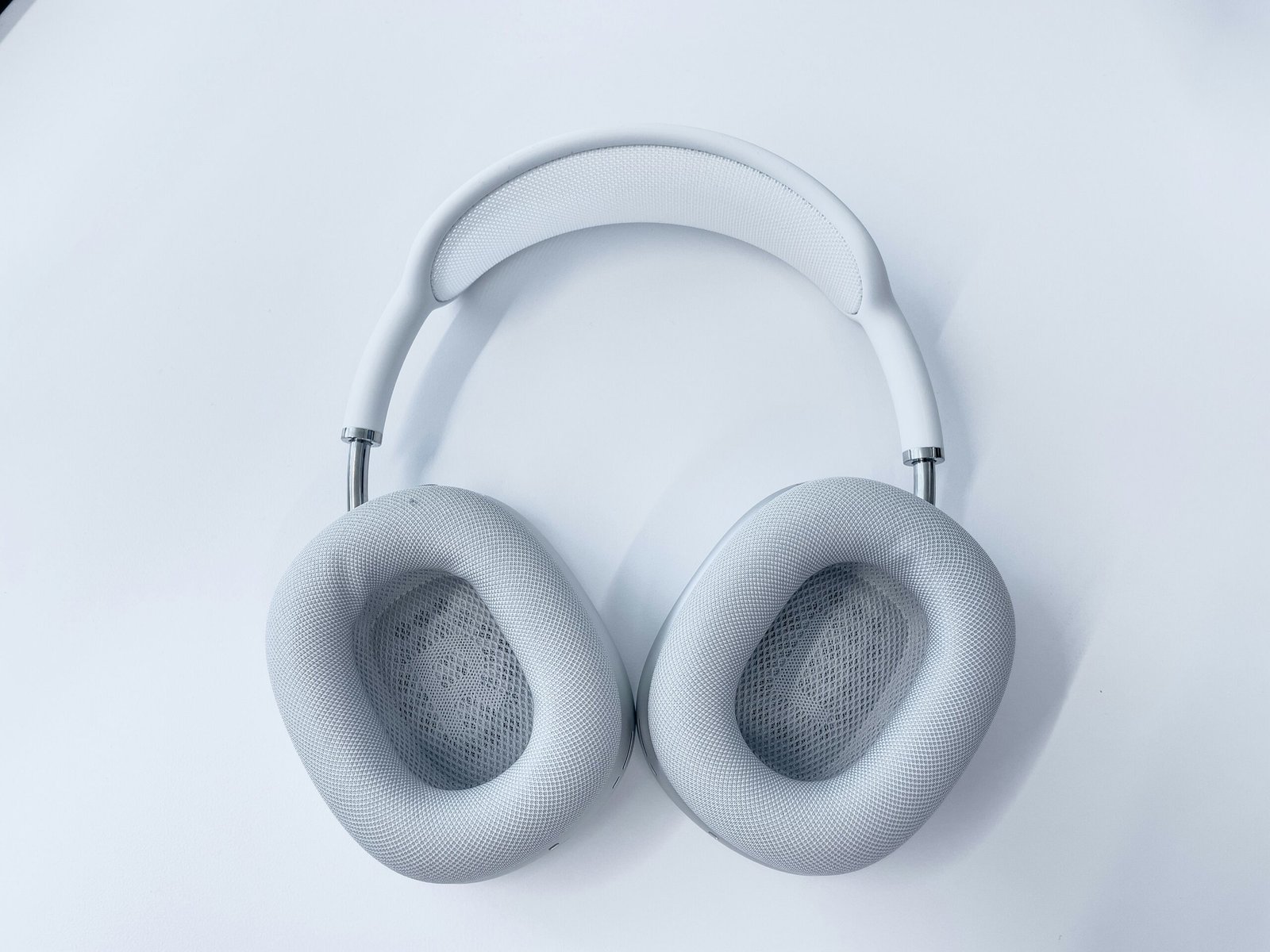
Setting aside the rules and restrictions, the practical experience of using Apple Vision Pro on a long-haul flight — done correctly, during cruise phase, while seated — is genuinely remarkable. Here is what Vision Pro can offer that no other in-flight entertainment system can match.
A virtual cinema screen. The most popular use case by far is watching movies and TV shows on a virtual screen that can be scaled to appear as large as a cinema screen floating in front of you. In economy class where seatback screens are small and often poorly positioned, the ability to watch content on a vast, crisp virtual display at the exact size and distance you choose is transformative. Apple TV+, Disney+, Netflix, and other streaming services have all optimised their apps for Vision Pro, and downloaded content works fully offline in airplane mode.
Immersive spatial content. Apple has developed a library of spatial video and 180-degree immersive content specifically for Vision Pro. Watching a nature documentary in full spatial video on a flight — with sound and visuals that feel three-dimensional rather than flat — is an experience fundamentally different from watching the same content on a screen.
Productivity in virtual workspace. Business travelers have found Vision Pro particularly valuable for working on flights because the headset supports a multi-window virtual desktop environment. You can have a large document window, a spreadsheet, email, and notes all open simultaneously in virtual space — effectively turning a cramped economy seat into a floating multi-monitor workstation.
Mindfulness and relaxation environments. Vision Pro includes several immersive environments specifically designed for relaxation — peaceful natural scenes, calming audio environments, and guided meditation experiences. For travelers who find flying stressful or who struggle to sleep on aircraft, these environments provide a genuine alternative to traditional in-flight entertainment.
Spatial games. A growing library of spatial games designed for Vision Pro provides entertainment that no seatback screen can replicate, though games that involve significant head movement should be used with awareness of neighboring passengers.
Practical Tips for Using Apple Vision Pro on Flights in 2026
Based on how experienced Vision Pro users approach in-flight use, here are the most important practical tips for getting the best experience while staying within the rules:
- Download all content before your flight. Streaming requires Wi-Fi and most airlines charge for in-flight Wi-Fi. Apple TV+, Disney+, and Netflix all allow offline downloads. Download everything you want to watch before you board.
- Enable Travel Mode before the plane moves. Do not wait until you are airborne — enable it as soon as you settle into your seat so it is active and calibrated before the aircraft starts moving.
- Always use headphones. Even if your airline does not require it, the built-in speakers on Vision Pro are audible to neighboring passengers. AirPods Pro are the most practical choice as they pair seamlessly and their transparency mode allows you to hear crew announcements while using the headset.
- Leave one ear slightly open or use transparency mode throughout your flight. This allows you to hear safety announcements and crew instructions without fully removing the headset.
- Stow the headset in its carry case in the overhead bin during boarding and deplaning. The cabin aisle is too narrow and congested to wear Vision Pro safely, and the risk of damage is significant.
- Be prepared to remove it immediately at any time. Have a plan for where to put the headset quickly — on your tray table or in your lap — so you can respond promptly to any crew instruction without fumbling.
- Window seats work best. Using Vision Pro in a middle seat creates physical space challenges with neighboring passengers. An aisle seat is also workable but a window seat gives you the most uninterrupted personal space.
- Check your airline’s current policy before traveling. Policies are evolving quickly and what was permitted on your last flight may have changed. A quick check of your airline’s website electronics policy page takes two minutes and avoids unpleasant surprises.
Frequently Asked Questions About Apple Vision Pro on Airplanes
Is Apple Vision Pro banned on airplanes?
No. Apple Vision Pro is not banned on airplanes and is classified as a standard portable electronic device by the FAA and EASA. It is permitted during cruise phase on most airlines, subject to airplane mode requirements and individual airline policies. Some airlines have introduced specific restrictions around VR headsets, so checking your carrier’s current policy before flying is always recommended.
Can you watch movies with Vision Pro during a flight?
Yes, this is one of the most popular uses. Download your content before boarding as streaming requires internet. Apple TV+, Netflix, and Disney+ all support offline downloads. The experience of watching a film on a virtual cinema-scale screen during a long flight is significantly better than any standard seatback entertainment system.
Does Apple Vision Pro work without internet on a plane?
Yes. All downloaded content, apps, and spatial experiences work fully offline. You need to enable airplane mode as required, but this does not prevent you from using Vision Pro for entertainment, productivity, or mindfulness content that is already stored on the device.
Will flight attendants ask you to remove the headset?
Yes, in certain situations. Crew will ask you to remove or stow Vision Pro during the safety demonstration, during takeoff and landing, during turbulence, and whenever they need to communicate something directly to you. Responding promptly and without argument is both legally required and simply good practice. Crew have full authority to require compliance with any safety instruction.
Is it rude to use Vision Pro on a plane around other passengers?
This is a genuine social question that travelers and etiquette experts have debated since Vision Pro became widespread. The consensus is that using Vision Pro while seated in your own space during cruise flight is no more intrusive than a passenger watching a film on a laptop. However, using built-in speakers without headphones, turning your head rapidly into a neighboring passenger’s space, or failing to respond when spoken to are all legitimately inconsiderate behaviours that can make the experience unpleasant for those around you.
Are airlines planning to offer Vision Pro as in-flight entertainment?
Several airlines have announced exploratory partnerships or trials involving spatial computing and VR headsets as in-flight entertainment, though no major carrier has introduced full Vision Pro integration as a standard service as of early 2026. The weight, hygiene considerations of shared headsets, and the per-unit cost make fleet-wide deployment challenging in the near term. However, premium cabin partnerships — where business class passengers might be offered a Vision Pro for their seat — remain a topic of active industry discussion.
Final Verdict: Should You Bring Apple Vision Pro on Your Next Flight?
Apple Vision Pro on flights in 2026 is a genuinely exceptional experience — but it requires knowing and following the rules, and doing so consistently without needing to be asked. If you are a responsible user who will enable Travel Mode, use headphones, stow the device during takeoff and landing, and remove it immediately when crew instruct you to, then Vision Pro can transform a long-haul flight in a way that no other personal device currently can.
The virtual cinema experience alone — watching content you have downloaded at a scale that feels genuinely immersive, in complete privacy, with spatial audio through AirPods — makes long economy class journeys dramatically more comfortable. For business travelers, the floating multi-window workspace is a legitimate productivity upgrade over a laptop. For anxious flyers, the calming spatial environments offer a genuine alternative to stress medication.
The rules are reasonable and the restrictions are sensible. Follow them, be a considerate seatmate, and Apple Vision Pro on a long-haul flight is one of the best travel technology experiences available in 2026.