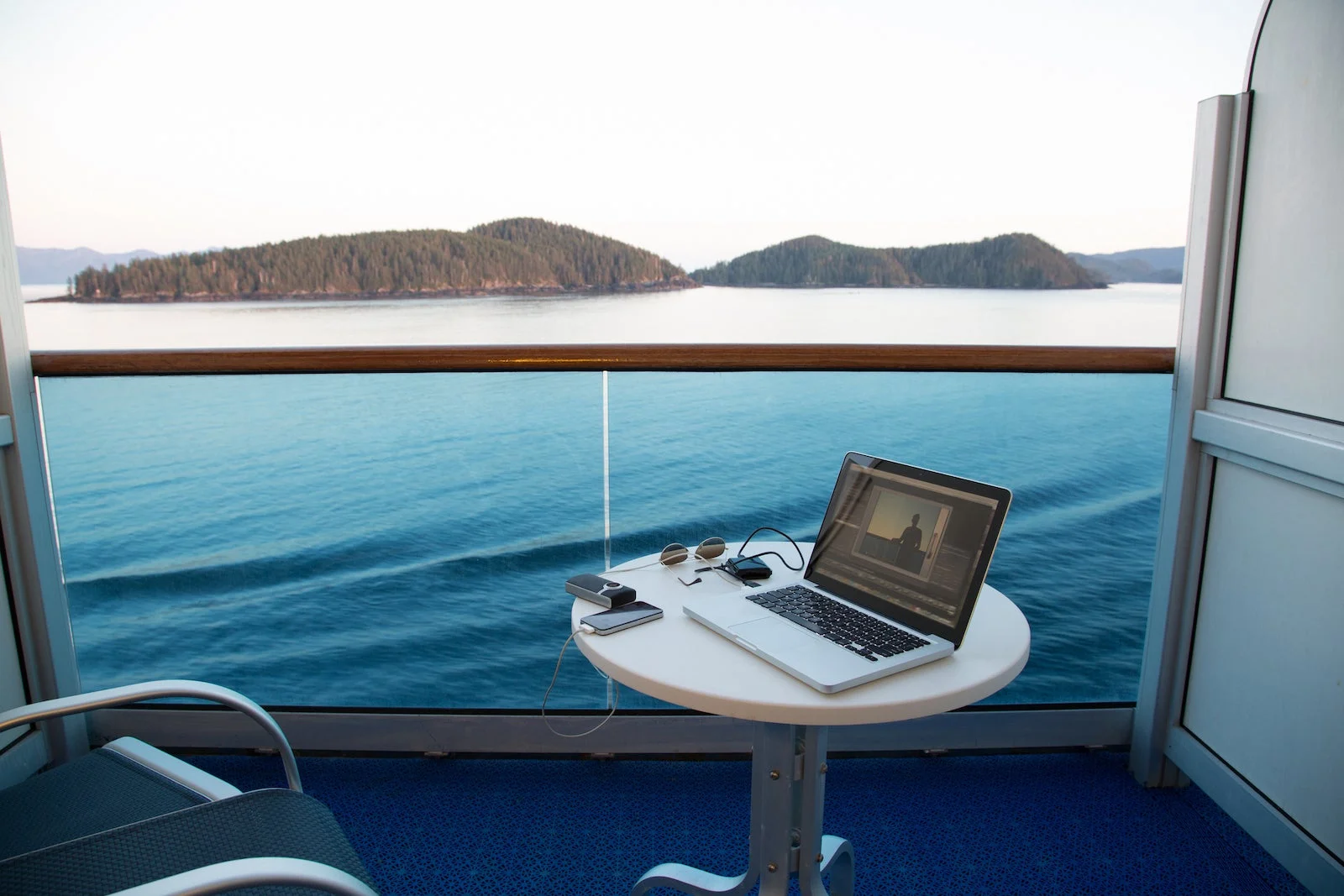
Cruise Wi-Fi used to be slow, expensive, and frustrating. In 2026, Royal Caribbean’s Starlink-powered internet is faster than ever — but it’s still not automatically free.
The good news? Most travelers don’t need to pay full price. With the right tricks, you can stay connected for free or almost free on a Royal Caribbean cruise in 2026.
This guide explains exactly what is free, what is not, and how smart cruisers avoid paying for Wi-Fi.
First: What “Free Wi-Fi” Really Means on Royal Caribbean
Royal Caribbean does not give unlimited free internet to everyone.
Instead, free Wi-Fi in 2026 means:
-
Free access to the Royal Caribbean app
-
Free onboard messaging
-
Limited free chat on some ships
-
Free Wi-Fi in ports and terminals
If you understand this clearly, you can avoid unnecessary internet packages.
1. Use the Royal Caribbean App (100% Free)
Every Royal Caribbean ship offers free Wi-Fi access for the Royal Caribbean app.
You can:
-
Check daily schedules
-
View deck plans
-
Book shows and dining
-
Track onboard spending
-
Message other guests in your group
You do not need to buy Wi-Fi for this.
How to activate it
-
Download the Royal Caribbean app before sailing
-
Log in with your cruise details
-
Connect to the ship’s Wi-Fi network onboard
-
Select “App access only” (free)
This alone replaces texting, paper schedules, and planning apps.
2. Free Onboard Messaging (Most Useful Hack)
Royal Caribbean allows free in-app messaging between guests.
This works like texting:
-
No phone number needed
-
No internet package required
-
Works anywhere on the ship
For families, couples, and groups, this is often all the connectivity you need.
3. Limited Free Chat Apps on Some Ships
On newer ships with Starlink, some sailings allow basic chat apps without a paid plan.
This may include:
-
WhatsApp text messages
-
iMessage (text only)
-
Facebook Messenger (no media)
This varies by ship and sailing, but always test before buying Wi-Fi.
4. Use Free Wi-Fi in Cruise Terminals & Ports
You don’t need cruise Wi-Fi when the ship is docked.
In 2026, many ports offer:
-
Free cruise terminal Wi-Fi
-
Free city Wi-Fi
-
Café and restaurant Wi-Fi near ports
Best ports for free Wi-Fi:
-
Miami & Port Canaveral
-
Barcelona
-
Rome (Civitavecchia)
-
Nassau
-
Cozumel
-
Reykjavik
Use port Wi-Fi to:
-
Download emails
-
Upload photos
-
Sync cloud files
-
Message family back home
5. Loyalty Perks & Special Offers
If you are a Crown & Anchor Society member:
-
Some sailings include free or discounted Wi-Fi
-
Higher tiers may receive internet credits
-
Special promotions appear in the cruise planner
Always check your cruise planner before sailing.
6. Avoid Buying Wi-Fi on Day One
Many cruisers make this mistake:
They buy Wi-Fi immediately on embarkation day.
Instead:
-
Use free app access first
-
Test messaging
-
Use port Wi-Fi on day one
-
Decide later if you really need paid internet
Royal Caribbean often runs discounts mid-cruise.
What You CANNOT Do for Free
Free Wi-Fi does not include:
-
Full web browsing
-
Video streaming
-
Zoom or Teams calls
-
Uploading large files
-
Social media scrolling
If you need these, you’ll need a paid Starlink plan.
Cheapest Way to Stay Connected (2026 Strategy)
Best low-cost combo
-
Free app access
-
Free messaging
-
Port Wi-Fi
-
One device, one-day paid plan only if needed
This keeps your internet cost close to $0–$15 total, instead of hundreds.
Who Really Needs Paid Wi-Fi?
You should buy Wi-Fi only if you:
-
Work remotely
-
Need video calls
-
Upload content daily
-
Manage business systems
-
Require constant connectivity
Everyone else can stay connected for free.
Final Verdict
In 2026, Royal Caribbean does offer free Wi-Fi — if you know how to use it correctly.
Most travelers:
-
Overpay
-
Buy Wi-Fi unnecessarily
-
Don’t use free options
Smart cruisers:
-
Use the app
-
Message for free
-
Connect in ports
-
Pay only when truly needed
That’s how you cruise connected without paying premium prices.