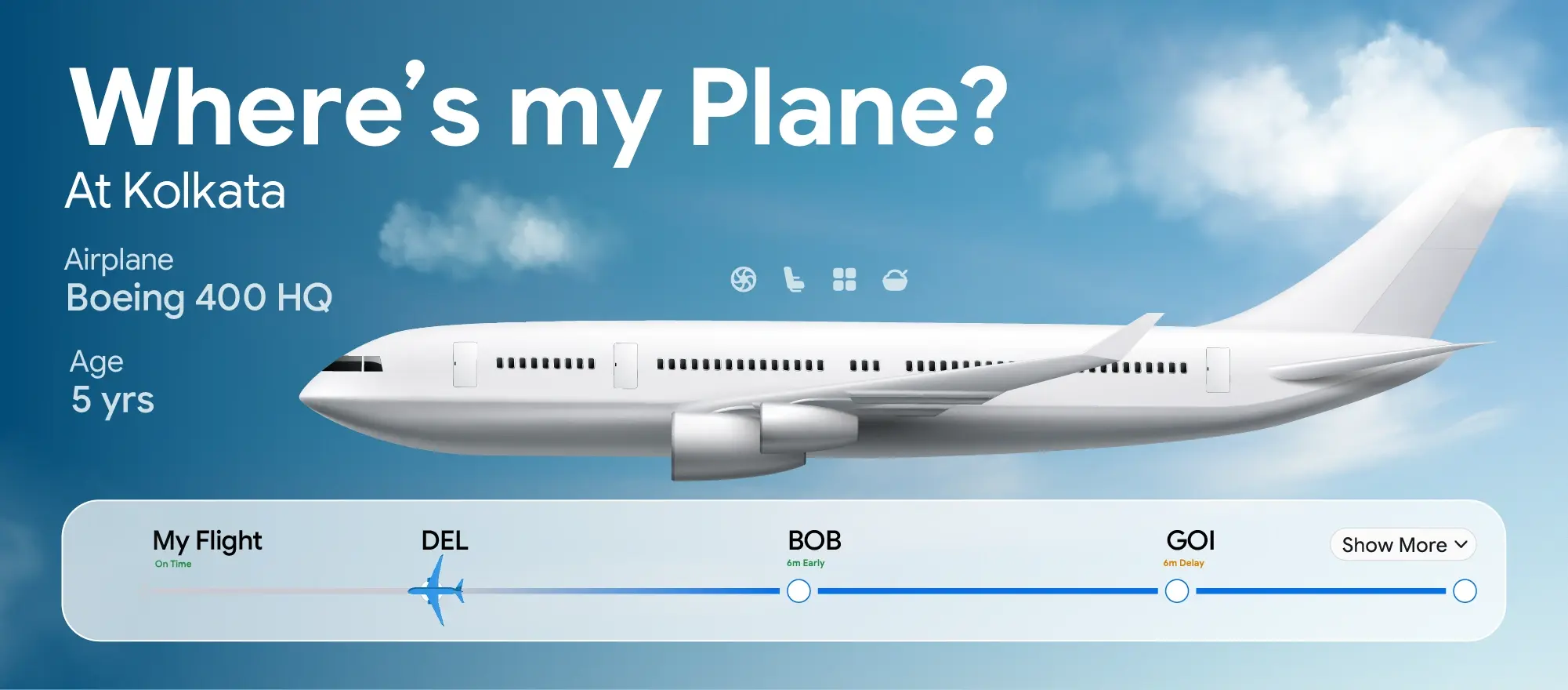
Seeing your flight time, gate, or even status change without any alert is frustrating—and common. In 2026, airline systems update faster than notifications can keep up. Here’s the clear, practical explanation of why flight status changes without notification, what’s really happening behind the scenes, and how to protect yourself.
The Short Answer (Important)
✔ Flight status can change without notification
✔ Updates often happen before alerts are triggered
❌ Notifications are not guaranteed, even if you’re enrolled
Airline alerts are best-effort, not a promise.
The Most Common Reasons Notifications Don’t Arrive
1) Micro-Updates That Don’t Trigger Alerts
Airlines make constant “micro-changes”:
-
5–10 minute time tweaks
-
Equipment swaps
-
Gate shuffles
Many systems only notify passengers when a change crosses a threshold (for example, 15–30 minutes). Smaller changes update the status silently.
2) Airline App Sync Lag
Flight status updates flow through multiple systems:
-
Airline operations
-
Airport systems
-
Air traffic control
-
Your app
The status can update on airport screens minutes or hours before your app refreshes—or before a push alert is sent.
3) Gate Changes Are Managed Locally
Gates are often assigned by the airport, not the airline app. Late aircraft arrivals, crew swaps, or maintenance can force a gate change that appears instantly on terminal boards but never triggers a notification.
4) Weather & ATC Holds Change Rapidly
Weather and air-traffic control decisions can:
-
Delay a flight
-
Then partially restore it
-
Then delay it again
Airlines avoid spamming alerts during volatile periods, so they wait—sometimes too long—to notify.
5) Your Notification Settings Aren’t Fully Enabled
Common issues:
-
Push notifications disabled after an OS update
-
App notifications turned off to save battery
-
Alerts enabled for one airline app but not another
-
Email alerts filtered to spam
Result: the flight changes, but you never see it.
6) Booking Was Modified or Split
If your reservation was:
-
Changed by a travel agent
-
Rebooked during an irregular operation
-
Split across tickets (codeshare)
Notifications may go to the original booking channel, not your current app.
7) International & Codeshare Flights
On codeshares, the operating airline controls status updates. Your booking airline may display changes late—or not notify at all—if systems don’t sync perfectly.
8) App Bugs & Cache Issues
Airline apps cache data aggressively. If the app doesn’t refresh, you’ll see old info even though the status changed.
Quick fix: force-close the app and reopen it, or check the web version.
What Changes Most Often Without Alerts
-
Gate changes (most common)
-
Boarding time adjustments
-
Aircraft swaps
-
Minor delays
-
Crew-related holds
Major cancellations usually do trigger alerts—but not always immediately.
How to Protect Yourself (2026 Pro Tips)
Check Multiple Sources
Don’t rely on just one app.
-
Airline app
-
Airport departure boards
-
Airline website
If two sources agree, it’s usually accurate.
Enable All Alerts (and Test Them)
-
Turn on push + email + SMS if available
-
Allow background refresh
-
Disable aggressive battery optimization for airline apps
Refresh at Key Times
Manually check status:
-
24 hours before departure
-
Morning of travel
-
When arriving at the airport
-
Before boarding begins
This catches silent changes.
Watch the Gate Area, Not Just the App
Airport screens update first. Always verify the gate on terminal displays—especially during irregular operations.
Save a Backup Notification Source
If possible:
-
Add your number to the airline’s SMS alerts
-
Use a secondary travel app for status checks
Redundancy helps.
Does the Airline Have to Notify You?
In most cases:
❌ No legal requirement to notify for every change
✔ Required to rebook or refund for significant disruptions
Alerts are a service feature, not a guarantee.
When You Should Act Immediately
Go to the gate or service desk if:
-
Your app shows “on time” but the board shows a delay
-
The gate changes twice in a short period
-
Boarding time passes with no announcement
These are signs of a bigger disruption.
Final Verdict
Flight status changes without notification because:
-
Systems update faster than alerts
-
Small changes don’t trigger messages
-
Apps lag or cache data
-
Gates and ATC decisions change locally
The safest approach in 2026 is active monitoring, not passive alerts. Check early, check often, and confirm at the airport.